Import your old data & DCAA

We are in the middle of an exciting run to provide new features while welcoming new clients, and providing an outstanding support.
This makes us almost forgot to communicate product news on our blog.

Here is a list of changes that occurred since June 22nd:

  • Billable %, to show the percentage of billable hours against non-billable ones.
  • A new help site, explaining the main features.
    In addition, a description of each module is available directly from the application. Just click the question mark that appears next to the module name.
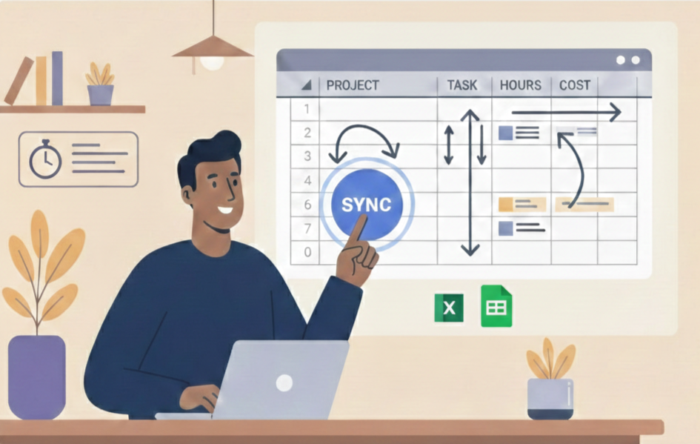
  • Data Import. You can import your clients, projects, tasks, people and hours from spreadsheet files.
    This is particularly useful if you come from another system, and want to keep a consistant reporting.
  • Specific tasks by project or client.
    Set global tasks for your organization, and then filter for each client or project, which task is available.
  • DCAA compliance.
    Check the option, and some additional checks take places. And get a very detailed log of timesheet changes.
  • Allow the admin to lock screen for some user groups, using the Screen module.
    If you don’t want your staff to mess around with their screen, you can now lock the screen for define user groups.
  • Plenty of UI & feature improvements, and some bug corrections.

Other product news are coming, so stay tuned!

Comments are closed.